Xerox Printer Repair Service in London: Fast, Professional & Affordable
Xerox printers are widely used in London offices, schools, and commercial environments due to their durability and high-volume printing capabilities. But when a Xerox printer breaks down, even a minor issue can interrupt business operations. That’s why choosing a fast, professional, and affordable Xerox printer repair service in London is essential to keep your workflow running smoothly.
In this article, we cover what makes a reliable repair service, common printer issues, the repair process, pricing expectations, and how to prevent future breakdowns.
Why Choose a Professional Xerox Printer Repair Service in London
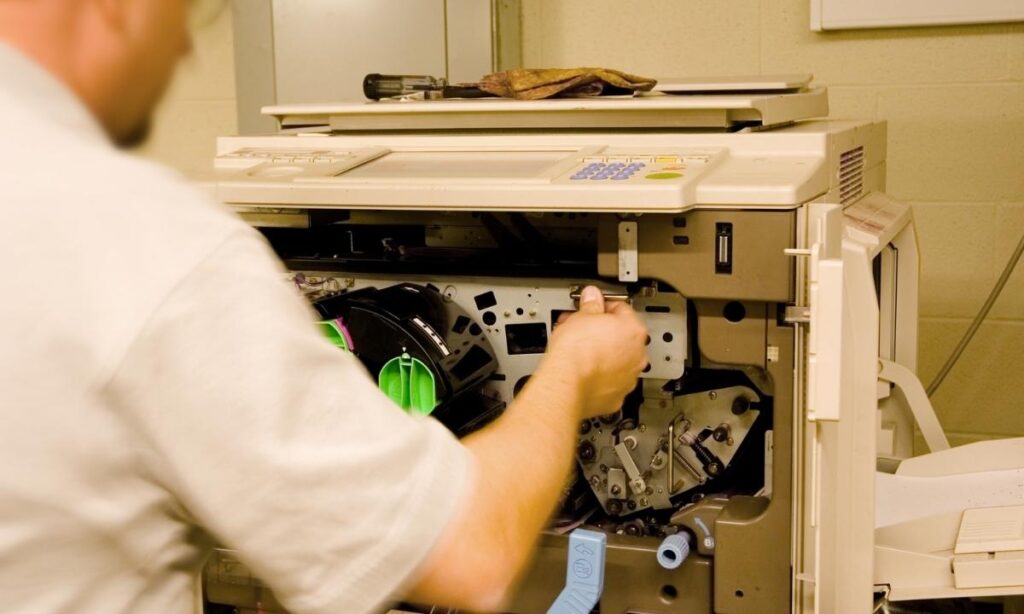
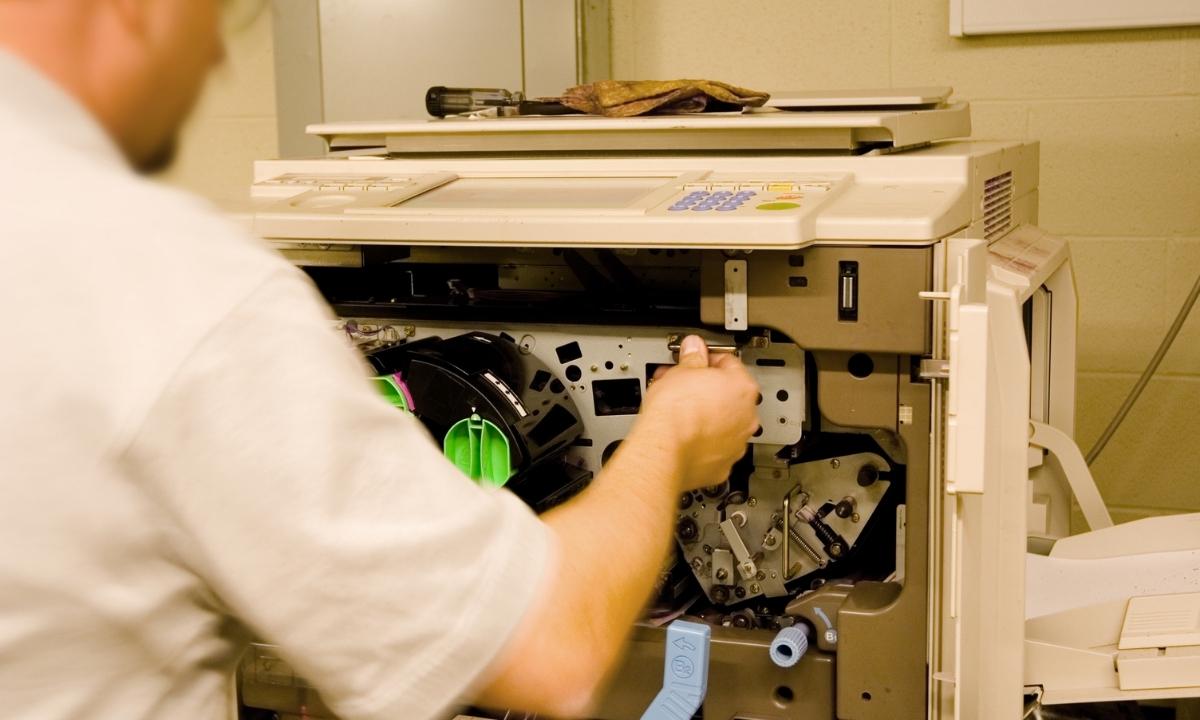
Repairing a Xerox printer requires technical knowledge, model-specific experience, and specialized diagnostic tools. A professional technician ensures:
Accurate Fault Detection
Most issues are caused by internal components that require expert testing. Professional services identify the exact problem quickly.
Use of Genuine Xerox Parts
Certified repair companies use original rollers, fusers, toners, imaging units, and circuit boards to maintain print quality and lifespan.
Minimized Downtime
Businesses in London often rely heavily on printers. A technician can fix urgent issues on the same day, reducing disruption.
Affordable and Practical Solutions
Repairing is often cheaper than replacing a printer, especially for larger models like Xerox WorkCentre, AltaLink, or Phaser.
Common Xerox Printer Issues That Require Repair
Below are the most frequent problems London users face with Xerox printers:
1. Frequent Paper Jams
Paper jams happen due to worn paper rollers, misaligned trays, old paper, or internal debris.
2. Poor Print Quality
Faded text, blurry images, streaks, or black spots may indicate toner issues, a damaged drum unit, or dirty internal parts.
3. Printer Not Connecting to Network
Offices often experience Wi-Fi or Ethernet issues caused by incorrect settings, outdated firmware, or IP conflicts.
4. Slow Printing or Freezing
This can be caused by spooler errors, low memory, corrupted drivers, or internal hardware delays.
5. Error Codes on Display
Xerox printers display model-specific codes that require expert diagnosis, such as 016-799, 062-380, or fuser-related codes.
6. Toner Leakage or Not Detected
Improper cartridges or damaged toner chips can prevent the printer from operating.
7. Overheating
Heavy usage or faulty cooling fans can cause overheating, which leads to automatic shutdowns.
What a Professional Repair Service in London Includes
A quality repair service offers a complete package for both home users and commercial offices:
On-Site Diagnostics
A technician visits your home or office to inspect the issue and recommend the best solution.
Hardware Repair & Replacement
Including rollers, fusers, power supplies, belts, fans, sensors, and imaging units.
Software & Driver Fixes
Technicians update firmware, reinstall drivers, optimize network settings, and fix print spooler issues.
Deep Cleaning
Dust and toner buildup often cause print defects and jams. A detailed cleaning restores performance.
Network Configuration
Perfect for office environments where multiple devices share a printer.
Preventive Maintenance
Regular servicing helps avoid recurring breakdowns.
How to Choose the Best Xerox Printer Repair Service in London
Keep these factors in mind:
Certified Technicians
Look for services with expertise in Xerox WorkCentre, VersaLink, Phaser, and AltaLink models.
Same-Day or Next-Day Service
Printers are critical in offices. A fast response is essential.
Transparent Pricing
Choose companies that provide upfront pricing with no hidden charges.
Warranty on Repairs
A good repair service offers a guarantee on parts and labor.
Positive Reviews
Check Google, Trustpilot, or local listings for customer feedback.
Benefits of Professional Xerox Repair Over DIY Fixes
Attempting a repair yourself may cause more damage or void certain warranties. Professional services offer:
-
Safe handling of sensitive components
-
Proper replacement of internal parts
-
Accurate troubleshooting
-
Longer-lasting repair results
-
Reduced risk of misdiagnosis
-
Avoiding expensive replacements
Tips to Keep Your Xerox Printer Running Smoothly
Follow these practices to reduce breakdowns:
-
Use only genuine Xerox toner and parts
-
Clean the printer regularly, especially rollers and trays
-
Keep firmware up-to-date
-
Avoid using damaged or dusty paper
-
Ensure proper ventilation around the printer
-
Schedule maintenance every 6–12 months
These steps help maintain print quality and extend your printer’s lifespan.
FAQs
1. How much does Xerox printer repair cost in London?
Basic repairs start around £50–£80, while hardware replacements may range from £100–£180 depending on the model and issue.
2. Do repair services offer same-day appointments?
Yes, many London-based Xerox repair specialists provide same-day or urgent repair options.
3. Can home offices get on-site repair?
Most services support both commercial locations and home offices.
4. Do technicians repair all Xerox models?
Certified engineers repair WorkCentre, Phaser, VersaLink, BizHub crossover models, and AltaLink series.
5. Are genuine Xerox parts necessary?
Using original parts ensures better compatibility, print quality, and longevity.
6. How long does a repair take?
Simple fixes take 30–60 minutes, while major component replacements may take longer.
7. Why is my Xerox printer printing faded pages?
This is typically caused by low toner, a damaged drum, or blocked print heads.
8. How often should I service my Xerox printer?
Every 6–12 months, depending on usage volume.
9. Can technicians fix Wi-Fi connection problems?
Yes, they can configure network settings, update firmware, and fix IP or router issues.
10. Is repairing cheaper than buying a new printer?
In most cases, yes—especially for large Xerox multifunction devices used in offices.
Conclusion
A reliable Xerox printer repair service in London ensures fast recovery from printing issues, prevents workflow delays, and saves money compared to buying a new device. Whether you need emergency repair, part replacement, or regular maintenance, choosing a professional service guarantees quality, durability, and efficient results.