Typing every thought wastes time. Speaking feels natural, faster, and often clearer. That’s why tools like a voice to text converter online free have become essential for students, creators, and professionals.
Modern speech recognition no longer feels experimental. Companies like Google and Microsoft have spent years refining automatic speech recognition (ASR) systems. According to Google AI research, deep neural network models significantly reduced word error rates compared to earlier rule-based systems. In simple terms, today’s tools actually work.
Let’s break down how a free voice to text converter works, when to use one, and how to choose the right option.
What Is a Voice to Text Converter Online Free?
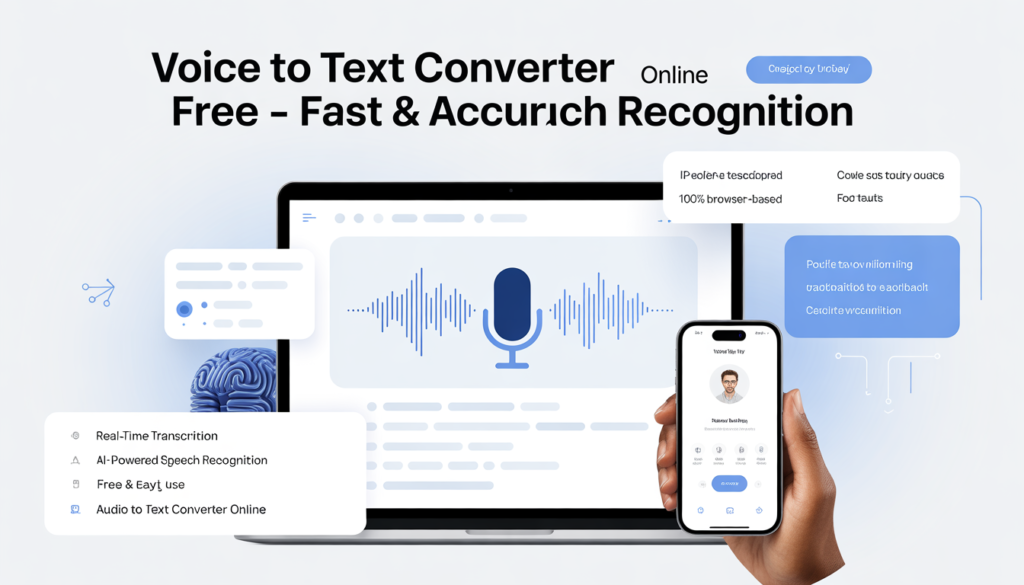
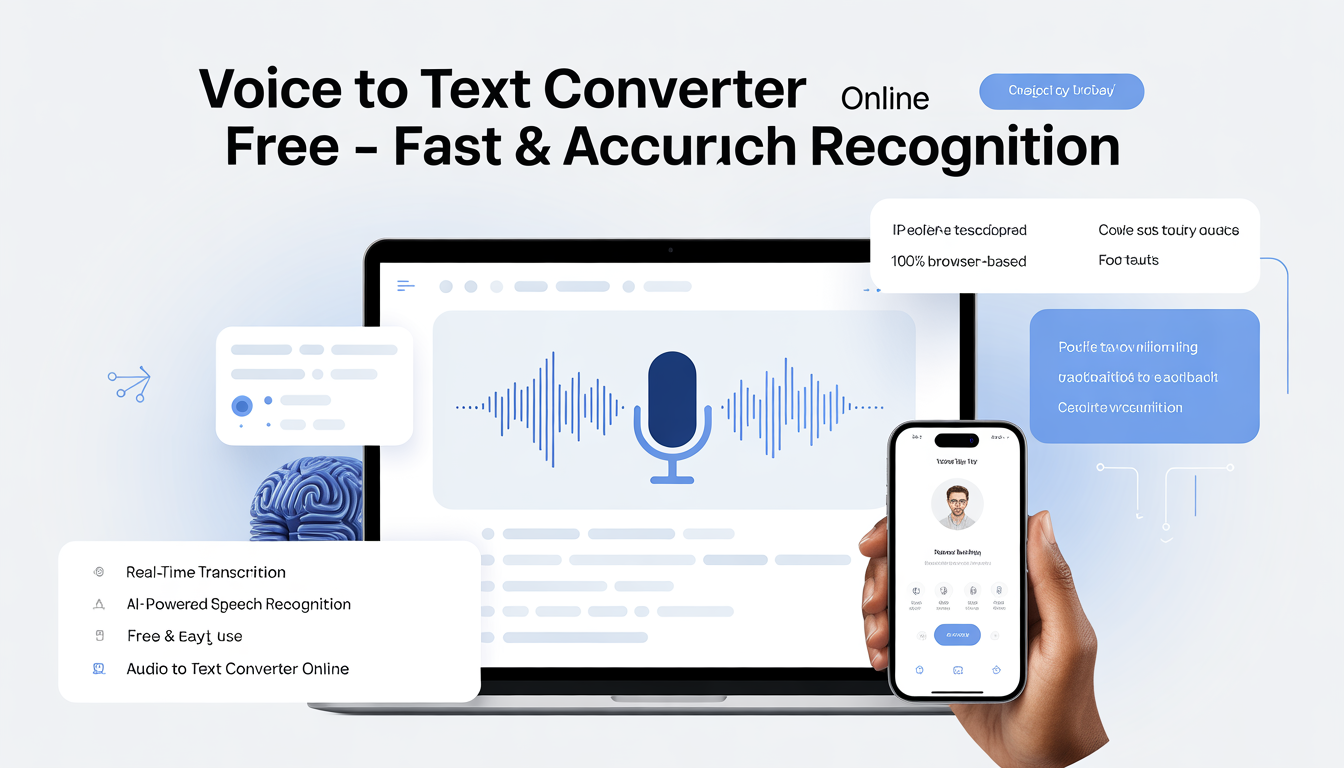
A voice to text converter online free is a browser-based tool that converts spoken language into written text in real time. You speak into your microphone, and the system generates a transcript instantly.
Unlike traditional desktop software, an online speech to text tool runs directly in your browser. Many platforms rely on cloud-based AI engines such as:
- Google Speech-to-Text
- Microsoft Azure Speech Services
- Web Speech API (used in Chromium-based browsers)
These systems use machine learning models trained on large language datasets. The National Institute of Standards and Technology (NIST) evaluates speech recognition systems and confirms that modern AI models achieve strong accuracy under controlled testing conditions.
Accuracy depends on environment and audio quality, but the technology has matured significantly.
How an Online Speech to Text Tool Works
Behind the “Start Recording” button sits advanced AI.
Here’s what happens:
- Your microphone captures audio signals.
- The system converts sound waves into digital data.
- A speech recognition tool free engine analyzes phonemes (basic sound units).
- A language model predicts the most probable word sequence.
Research published by Google AI shows that neural networks improve contextual understanding compared to older statistical models. That’s why today’s voice recognition software online handles natural speech patterns better than tools from a decade ago.
Still, clarity matters. AI cannot fix loud background noise or unclear pronunciation.
Key Benefits of Using a Free Voice to Text Converter
Many users choose an audio to text converter online for convenience. But the benefits go beyond saving a few keystrokes.
1. Instant Accessibility
You don’t need installation. Open a browser, allow microphone access, and start dictating. That simplicity makes a speech to text converter free option ideal for quick tasks.
2. Cross-Device Compatibility
Most online tools work on desktops, tablets, and smartphones. If your browser supports microphone permissions, you can use the service.
3. Real-Time Editing
You see the text appear as you speak. That allows immediate correction and saves editing time later.
4. Accessibility Support
The World Health Organization emphasizes assistive technologies as critical for inclusion. Speech recognition tools support individuals with mobility challenges by reducing reliance on keyboards.
Technology should remove barriers, not create them.
Common Use Cases for Voice Recognition Software Online
A free voice to text converter supports many workflows.
Students
Students convert lectures into searchable notes. Text allows quick review and keyword scanning.
Content Creators
Writers dictate blog drafts instead of typing thousands of words. Speaking often speeds up the creative process.
Business Professionals
Entrepreneurs record meeting summaries and action steps. Clear transcripts improve accountability.
Journalists and Researchers
An audio to text converter online simplifies interview transcription. However, always review transcripts for accuracy before publishing quotes.
How Accurate Is a Speech Recognition Tool Free?
Accuracy varies depending on conditions.
According to research from Stanford University on conversational speech recognition, systems perform significantly better in quiet environments. Background noise increases transcription errors.
You can improve accuracy by:
- Speaking at a steady pace
- Using a quality microphone
- Avoiding overlapping conversations
- Reviewing the final transcript
Even the best voice recognition software online benefits from human proofreading. Think of it as a strong first draft, not a finished document.
Privacy and Security Considerations
When using a voice to text converter online free, your audio often processes through cloud servers.
Before uploading sensitive material, check:
- Data encryption standards
- Privacy policies
- Data retention rules
- Regional compliance (GDPR or HIPAA where relevant)
Microsoft and Google both publish security documentation explaining encryption practices and enterprise protections.
If you handle confidential information, consider verified enterprise solutions instead of public free tools.
Convenience should never compromise privacy.
Free vs Paid Speech to Text Solutions
A speech to text converter free version works well for everyday tasks. However, paid solutions may offer:
- Custom vocabulary models
- Speaker identification
- Advanced formatting
- API integration
- Priority processing
Free tools remain excellent for students, bloggers, and casual users. Businesses that depend heavily on transcription may benefit from premium features.
Choose based on workflow, not hype.
Common Mistakes When Using an Audio to Text Converter Online
People often blame the tool when the setup causes the issue.
Avoid these mistakes:
- Recording in noisy rooms
- Speaking too quickly
- Using low-quality microphones
- Skipping transcript review
- Ignoring privacy terms
A voice to text converter online free performs best when users provide clear input. Good audio leads to good text.
Best Practices for Maximum Results
If you want consistent performance from an online speech to text tool, follow these habits:
- Record in a quiet space
- Use headphones with built-in microphones
- Pause slightly between ideas
- Edit immediately after recording
- Save transcripts securely
Over time, you’ll notice how the system interprets your speech patterns. You can adjust your delivery to improve accuracy.
Yes, technology adapts to us. But we also adapt to it.
Is a Free Voice to Text Converter Worth It?
For most users, yes.
Modern speech recognition tools rely on AI systems validated by institutions like NIST and developed by leading technology companies. They deliver practical accuracy for daily communication, note-taking, and content creation.
A voice to text converter online free reduces typing time, improves accessibility, and increases productivity. It does not replace human editing, but it speeds up the process significantly.
If you speak clearly, choose reliable platforms, and review your transcripts, you gain a powerful productivity tool at zero cost.
Sometimes the smartest upgrade isn’t a new device.
It’s simply using your voice.