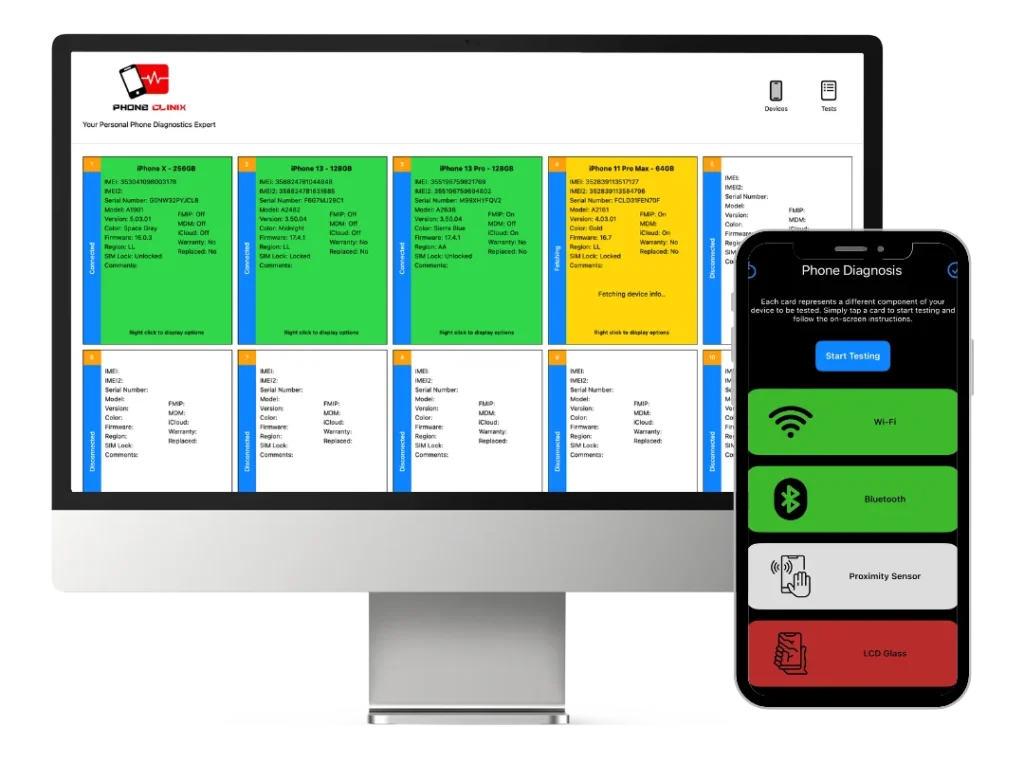
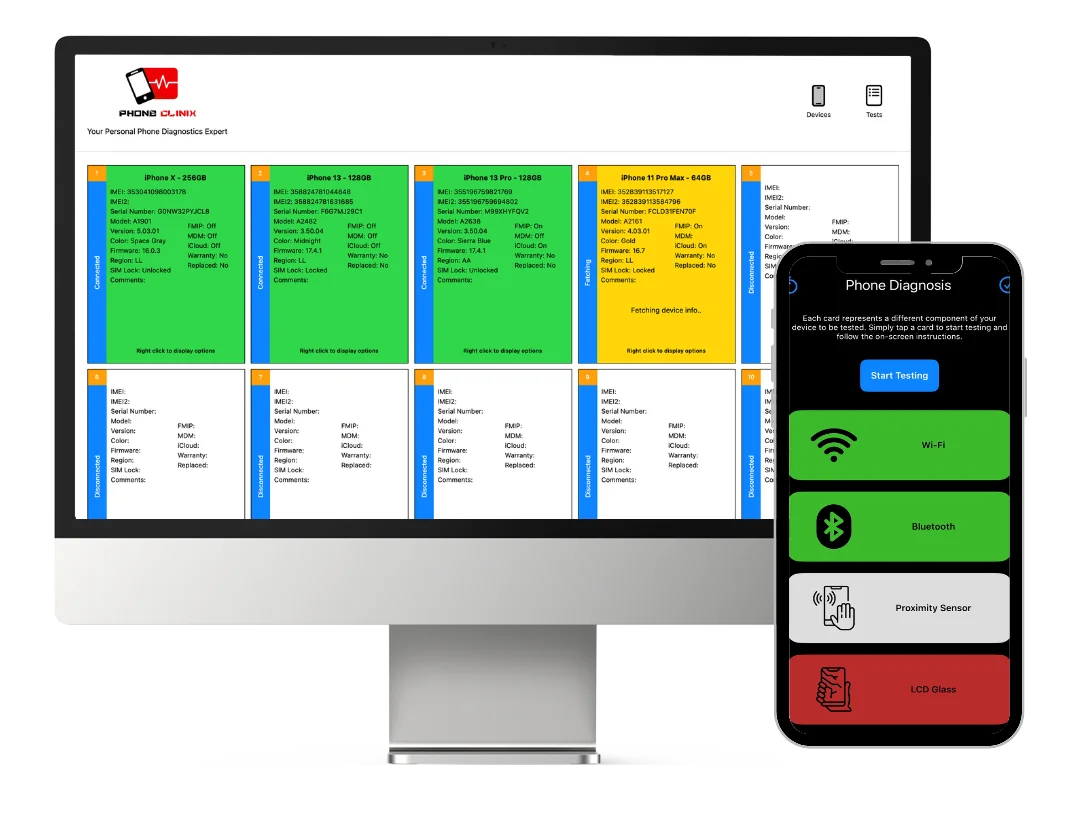
In today’s mobile-driven world, smartphones store vast amounts of sensitive personal and business data. From banking apps and private photos to corporate emails and customer records, these devices have become digital vaults. As a result, ensuring proper diagnostics and strong data protection is more important than ever. phone diagnostic software plays a crucial role in identifying hardware and software issues, while secure handling practices protect user data during testing and repair. This article explores how diagnostics tools work and outlines the best data security practices every technician, business, and user should follow.
Understanding Phone Diagnostic Software
phone diagnostic software is designed to test and evaluate the health of a smartphone. It can analyze hardware components such as the battery, screen, sensors, camera, microphone, and connectivity modules, as well as software performance, storage integrity, and system stability. These tools are widely used by repair centers, resellers, IT departments, and refurbishment companies to ensure devices function properly before resale or after repair.
Modern diagnostic tools provide automated testing workflows, detailed reporting, and real-time performance metrics. This allows technicians to quickly detect faults, reduce manual inspection time, and maintain consistent quality control. For businesses handling large volumes of devices, diagnostics software improves efficiency, reduces return rates, and enhances customer trust.
However, while diagnostics improves technical accuracy, it also introduces potential data exposure risks if not handled correctly.
Why Data Security Matters During Diagnostics
When a phone is tested, technicians may gain access to storage, system logs, and connected accounts. Without proper safeguards, this process can expose:
• Personal photos and videos
• Saved passwords and authentication tokens
• Business emails and documents
• Financial and health information
Data breaches during repair or testing can lead to legal consequences, reputational damage, and loss of customer confidence. Therefore, integrating strong data security practices alongside phone diagnostic software is essential.
Common Data Risks in Phone Testing Environments
Before discussing solutions, it’s important to understand where risks typically occur:
Unauthorized access – Technicians may access user data without permission.
Improper device handling – Phones left unlocked or unattended can be viewed by others.
Unsecured diagnostic systems – Computers running diagnostic tools may store temporary data.
Network exposure – Testing over unsecured Wi-Fi can transmit sensitive information.
Incomplete data wiping – Residual data may remain after refurbishment.
Recognizing these risks helps organizations implement effective security controls.
Best Practices for Secure Diagnostics
1. Enforce Data Privacy Policies
Every repair center or IT department should have a documented data privacy policy. This policy must define who can access devices, what data can be viewed, and how information should be handled. Staff should sign confidentiality agreements and receive regular training on privacy standards.
Clear policies reduce human error and ensure consistent handling of customer devices.
2. Obtain User Consent
Before running phone diagnostic software, always obtain written or digital consent from the device owner. The consent form should explain:
• What tests will be performed
• Whether data access is required
• How data will be protected
• Whether a data wipe will occur
This transparency builds trust and protects businesses from legal disputes.
3. Use Data-Isolated Diagnostic Modes
Many modern tools offer diagnostic modes that test hardware without accessing personal files. Whenever possible, technicians should use these limited-access modes. This allows full functionality testing while keeping user data encrypted and untouched.
4. Implement Secure Workstations
Diagnostic computers should follow strict security controls:
• Full disk encryption
• Updated antivirus and firewall
• Restricted USB access
• Role-based login credentials
Temporary diagnostic logs should be automatically deleted after each session.
This prevents sensitive information from being stored or leaked.
5. Disconnect from External Networks
Running phone diagnostic software in offline mode reduces the risk of data transmission over the internet. If connectivity testing is required, use a secured internal network rather than public Wi-Fi.
Network isolation is a simple but powerful way to prevent unauthorized data interception.
6. Perform Certified Data Wiping for Refurbished Devices
For devices being resold or recycled, certified data erasure is mandatory. A factory reset alone is not enough, as advanced recovery tools can retrieve residual data. Professional wiping solutions overwrite storage multiple times and generate a compliance certificate.
This step is critical for businesses handling trade-ins, buy-backs, and refurbished phone sales.
Role of Automation in Secure Diagnostics
Automation reduces the need for manual device interaction, which directly lowers the risk of human data exposure. Advanced phone diagnostic software can:
• Run automated hardware tests
• Generate reports without opening user files
• Flag issues without browsing storage
By minimizing manual handling, automation improves both efficiency and security.
Secure Device Handling Procedures
Physical security is just as important as digital protection. Best practices include:
• Labeling devices with unique job IDs instead of customer names
• Storing phones in locked cabinets
• Restricting access to authorized technicians only
• Using surveillance in diagnostic areas
These measures prevent theft, tampering, and unauthorized viewing of data.
Compliance With Data Protection Regulations
Businesses using phone diagnostic software must comply with global and regional data protection laws such as:
• GDPR for European customers
• HIPAA for health-related data (if applicable)
• Local data protection regulations
Compliance requires proper consent, secure storage, limited access, and documented data handling procedures. Non-compliance can result in heavy fines and legal action.
Customer Education and Responsibility
Users also play a role in protecting their data before submitting a device for diagnostics or repair. Recommended steps include:
• Backing up all data
• Logging out of accounts
• Removing SIM and memory cards
• Performing a factory reset when possible
Educating customers about these steps reduces risk for both parties.
Choosing the Right Diagnostic Solution
Not all tools offer the same level of security. When selecting phone diagnostic software, look for:
• Data-isolated testing capabilities
• Automatic log deletion
• Encrypted reporting
• User access controls
• Compliance with data protection standards
One example of a platform that focuses on professional testing workflows and secure device handling is Phone Clinix, which is designed for repair centers and resellers that require both accurate diagnostics and structured process management.
Staff Training and Access Control
Even the most secure system can fail without proper staff training. Organizations should:
• Train technicians on data privacy
• Use role-based system access
• Monitor diagnostic activity logs
• Conduct periodic security audits
Limiting access based on job roles ensures that only authorized personnel can run tests or view reports.
Incident Response Planning
Despite best efforts, security incidents can occur. Every business using phone diagnostic software should have an incident response plan that includes:
• Immediate device isolation
• Investigation of access logs
• Customer notification procedures
• Corrective security measures
A prepared response minimizes damage and demonstrates professionalism.
Benefits of Secure Diagnostic Practices
When diagnostics and data security work together, businesses gain:
• Increased customer trust
• Lower legal risk
• Higher resale value for refurbished devices
• Improved operational efficiency
• Stronger brand reputation
Security is not just a compliance requirement—it is a competitive advantage.
Future Trends in Phone Diagnostics and Data Protection
The future of phone diagnostic software is moving toward:
• AI-driven automated testing
• Cloud-based encrypted reporting
• Zero-data-access diagnostic modes
• Blockchain-verified data wiping certificates
These innovations will further reduce human interaction with sensitive data and improve transparency across the device lifecycle.
Conclusion
As smartphones continue to store critical personal and business information, the importance of secure diagnostics cannot be overstated. phone diagnostic software enables fast and accurate device testing, but without proper data protection measures, it can introduce serious privacy risks. By implementing strict access controls, using data-isolated testing modes, securing workstations, and educating both staff and customers, organizations can ensure safe and compliant diagnostic processes.
Combining technical efficiency with strong data security practices not only protects users but also strengthens business credibility in an increasingly privacy-focused market.