If you are running a business website, blog, SaaS platform, or ecommerce store, one of the most critical risks you face is downtime. When your site goes offline, even for a short period, visitors cannot access your content, leads cannot convert, and revenue may stop immediately. The problem is that many website owners do not realize their site is down until a customer reports it.
Understanding how to know if your website is down is essential for protecting search visibility, user trust, and business continuity. A reliable website downtime monitor gives you real time visibility into your site’s availability and performance, allowing you to act before the damage spreads.
In this guide, you will learn how to detect website outages, verify downtime accurately, understand its impact on SEO and revenue, and evaluate the right website downtime monitor for your needs.
What Does It Mean When a Website Is Down?
A website is considered down when users cannot successfully access its pages or when the server fails to deliver valid responses. This may happen due to server failures, hosting infrastructure issues, code errors, resource overload, or security incidents.
- Downtime generally falls into three categories.
- A complete outage occurs when the entire website becomes inaccessible.
- A partial outage happens when only specific pages, features, or regions are affected.
Performance-based downtime refers to situations where the site technically loads but is so slow or unstable that it effectively fails users.
Industry standards typically aim for 99.9 percent uptime or higher. While that sounds impressive, 99.9 percent uptime still allows for over eight hours of downtime per year. For online businesses, even a few minutes can translate into lost revenue and damaged credibility.
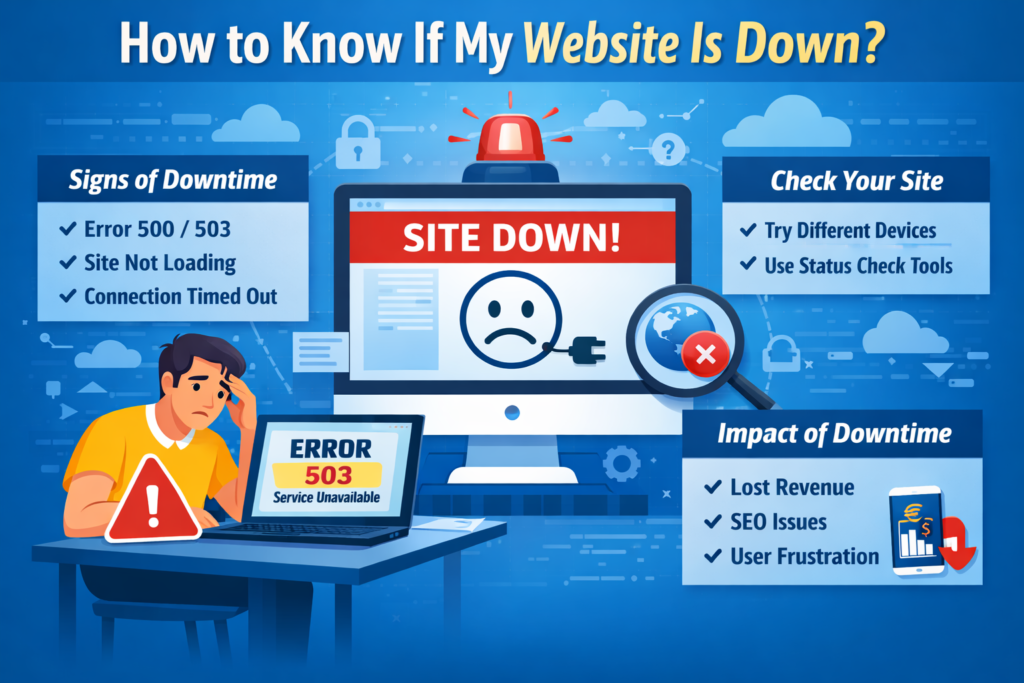
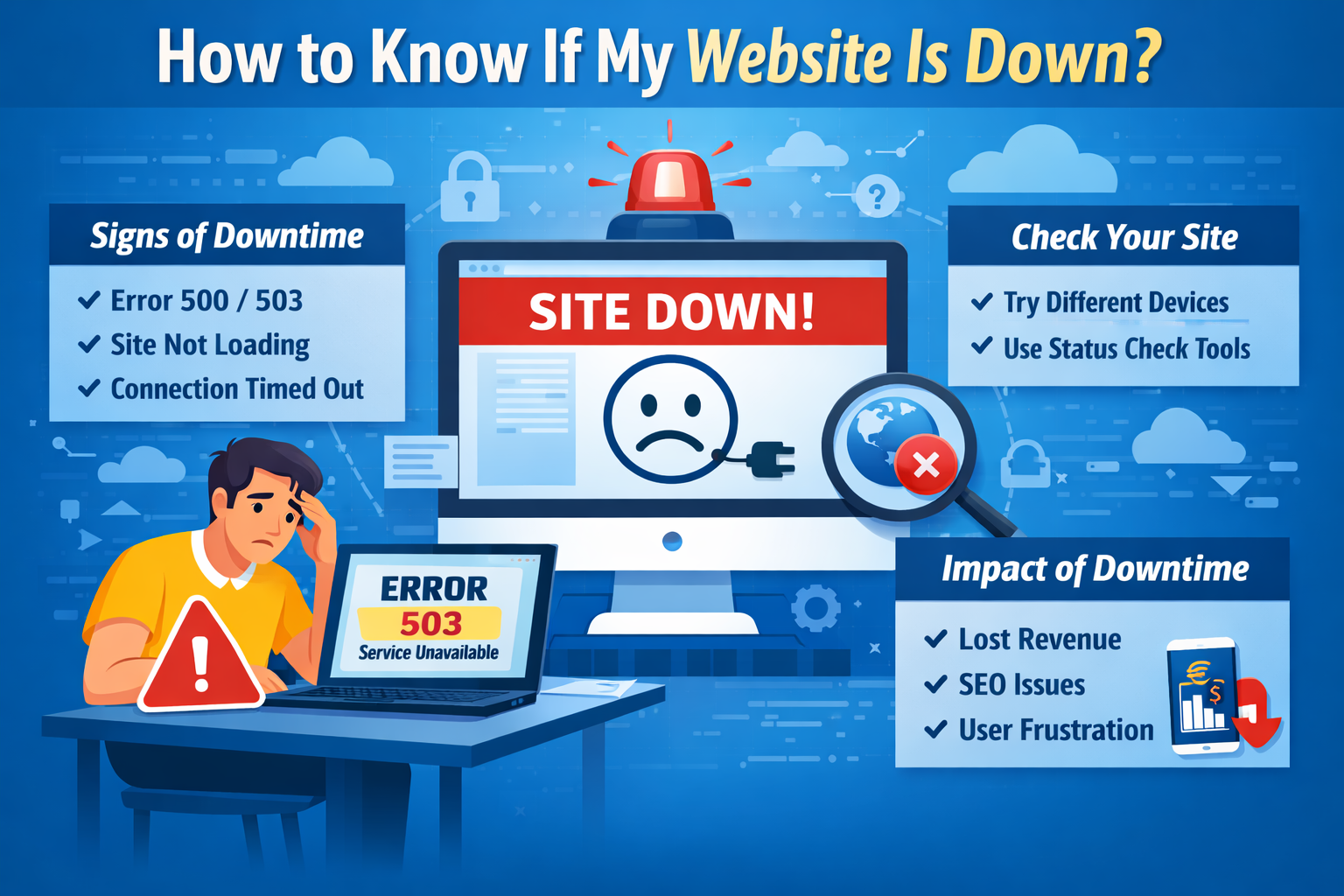
How to Know If My Website Is Down
Before investing in advanced tools, there are several practical ways to confirm whether your site is experiencing downtime.
Check from Multiple Devices and Networks
Sometimes the issue may be local to your browser or internet connection. Open your website in a different browser, use a private window, or check from another device. If possible, test from a different network such as mobile data.
If the site fails consistently across environments, the likelihood of genuine downtime increases.
Review HTTP Status Codes
Web servers return standardized HTTP status codes that indicate what is happening behind the scenes. For example, 500 errors indicate server issues, and 503 errors signal service unavailability.
You can learn more about HTTP response codes from Mozilla developer documentation. Persistent 5xx errors are strong indicators that your website is down at the server level.
Use Independent Status Check Tools
Public status checking services allow you to test website availability from multiple global locations. These tools help confirm whether the issue is widespread or isolated.
However, manual checks are reactive. They only work if you suspect a problem. This is why a dedicated website downtime monitor is essential.
Why a Website Downtime Monitor Is Essential
A website downtime monitor automatically checks your website at defined intervals and alerts you when it becomes unavailable.
Real Time Alerts
Instead of discovering downtime hours later, you receive instant notifications by email, SMS, or integration with communication platforms. Faster detection leads to faster resolution.
Protection for SEO
Search engines expect consistent availability. According to Google Search Central, repeated server errors can impact crawling and indexing. If search engine bots repeatedly encounter 5xx errors, pages may temporarily drop from search results.
Using a website downtime monitor helps you minimize the duration of outages, protecting your organic rankings.
Revenue and Trust Preservation
For ecommerce sites, downtime directly affects sales. For service providers, it blocks lead generation. Even informational sites risk losing credibility. Users who repeatedly encounter unavailable pages are unlikely to return.
Proactive monitoring preserves user trust and brand authority.
How Website Downtime Monitoring Works
Understanding the mechanics of monitoring helps you evaluate the right solution.
HTTP Monitoring
The most common approach involves sending automated HTTP requests to your site at regular intervals. The system verifies response codes and load times. If the response fails or exceeds thresholds, the tool triggers an alert.
Synthetic Transaction Monitoring
More advanced solutions simulate user interactions such as logging in or completing a checkout process. This ensures that critical workflows remain operational.
Real User Monitoring
Some systems collect performance data from actual visitors, identifying patterns of slow response or intermittent failures. This complements standard uptime checks.
Multi Location Checks
High quality website downtime monitor solutions test availability from multiple geographic regions. This helps detect regional outages that may not be visible from a single location.
Common Causes of Website Downtime
Downtime can stem from several technical and operational issues.
Server resource exhaustion can occur during traffic spikes. Application errors introduced during updates can break functionality. Hosting infrastructure failures may temporarily interrupt service. Cybersecurity incidents such as distributed denial of service attacks can overwhelm servers.
The Cybersecurity and Infrastructure Security Agency regularly publishes guidance on mitigating online service disruptions. Preventive security practices significantly reduce downtime risk.
Recognizing these causes reinforces why automated monitoring is not optional for serious website owners.
What to Do Immediately When Your Website Goes Down
If your website downtime monitor alerts you, act systematically.
- First, confirm the outage using an independent checker.
- Second, review recent changes such as code deployments or configuration updates.
- Third, contact your hosting provider with clear documentation of the issue, including timestamps and error messages.
Fourth, communicate transparently with users if downtime extends beyond a short window. Publishing updates builds credibility even during disruptions.
How to Choose the Right Website Downtime Monitor
Not all monitoring tools offer the same capabilities. When evaluating options, focus on practical criteria.
Monitoring frequency matters. One minute checks detect problems faster than five minute intervals.
Alert channels should align with your operational workflow.
Reporting capabilities should include historical uptime data, incident logs, and exportable reports.
Scalability is important for growing websites with multiple endpoints or applications.
Security compliance standards such as SOC 2 certification demonstrate that the provider maintains strong operational controls.
If you want to explore broader best practices around uptime strategy, you can review comprehensive resources on website downtime monitor solutions that explain monitoring methodologies and reliability principles in detail.
How Website Downtime Affects SEO and Search Visibility
Search engines prioritize user experience. If a crawler repeatedly encounters server errors, indexing may slow or temporarily decline.
According to Google, short term outages usually do not cause permanent ranking loss. However, prolonged downtime can lead to deindexing.
In addition, poor performance metrics influence Core Web Vitals, which play a role in search visibility.
A website downtime monitor helps ensure that outages remain brief, protecting both crawl access and user engagement metrics.
Proactive Strategies to Reduce Downtime Risk
- Beyond monitoring, prevention is critical.
- Implement load testing to evaluate how your infrastructure handles traffic spikes.
- Maintain regular backups to ensure rapid restoration if failures occur.
- Apply security best practices aligned with guidance from OWASP to reduce vulnerability exposure.
- Monitoring combined with preventive engineering creates resilience.
Frequently Asked Questions
How can I check if my website is down for everyone or just me?
Use an independent website downtime monitor or public status checker that tests availability from multiple locations. If multiple regions report failure, the issue is likely global.
How often should a website downtime monitor check my site?
For business critical websites, one minute monitoring intervals are recommended. Lower priority sites may use slightly longer intervals.
Does website downtime affect SEO immediately?
Short outages typically do not cause immediate ranking drops. However, repeated or prolonged downtime can impact crawling and indexing.
What is considered acceptable uptime?
Most professional websites aim for at least 99.9 percent uptime. Mission critical platforms often target 99.99 percent or higher.
Is manual checking enough?
Manual checks are reactive and unreliable. Automated website downtime monitor tools provide continuous oversight and faster response times.
Conclusion
Knowing how to know if your website is down is not just a technical concern. It is a business necessity. Downtime affects revenue, search visibility, user trust, and brand authority.
Manual checks can help in emergencies, but only a professional website monitor 2026 tools provides continuous, automated protection. By combining monitoring, preventive engineering, and rapid incident response, you can safeguard your digital presence and maintain reliable access for your users.
In an increasingly competitive online environment, uptime is not optional. It is a core component of operational excellence.