It is the classic Dubai nightmare. You are at a beach club in JBR, taking a photo of the sunset, and a wave knocks your hand. Or you are lounging by a pool in The Springs, and your phone slips off the table into the deep end. Or, in a more mundane but equally tragic scenario, it slides out of your back pocket and into the toilet.
Panic sets in instantly. You fish the device out, staring at the dripping screen. The screen might flicker green. It might go black. Or, deceptively, it might stay on, giving you false hope.
Water damage is the silent assassin of electronics. Unlike a cracked screen, where the damage is visible and static, water damage is progressive. It is a chemical reaction that gets worse with every passing minute. What you do in the first 15 minutes after the plunge will determine whether your iPhone survives or becomes an expensive paperweight.
There is a lot of bad advice on the internet. From bags of rice to hair dryers, myths abound. Following the wrong advice can speed up the corrosion process and seal your phone’s fate.
This guide is your emergency protocol. We will cut through the myths, explain the science of what is happening inside your logic board, and tell you exactly what to do—and what not to do—before you rush to an iphone repair center.
The Science of the Short Circuit: Why Water Kills
To save your phone, you must understand the enemy. Water itself is not actually what kills the iPhone. If you dipped an iPhone in 100% pure distilled water and let it dry perfectly, it would likely work.
The killer is the impurities in the water (minerals, salts, chlorine) combined with the electricity in your battery.
-
Conductivity: These impurities make water conductive. When water touches the logic board, it creates bridges between electrical components that should never be connected.
-
The Short: Electricity jumps across these water bridges. This sends high voltage into delicate chips meant for low voltage. It creates “short circuits” that fry components instantly.
-
Corrosion (The Long-Term Killer): Even if the phone doesn’t short out immediately, a process called electrolysis begins. The electricity flowing through the wet metal causes rapid oxidation (rust). This eats away at the copper traces on the motherboard and the solder joints under the chips. This green, fuzzy mold spreads like a cancer, rotting the phone from the inside out.
Immediate Action: The First 5 Minutes
Speed is critical. Do not stand there staring at it. Move.
1. Retrieve and Power Down
Get the phone out of the water immediately. Every second it is submerged increases the pressure and forces water deeper into the seals. Once it is out, turn it off.
-
Do not check your texts.
-
Do not try to post a status update about dropping your phone.
-
Hard Shutdown: If the screen is unresponsive, perform a hard reset to force it off. (Volume Up, Volume Down, then hold the Power button until the screen goes black).
-
Why: By cutting the power, you stop the flow of electricity. If there is no electricity flowing, short circuits cannot happen, and electrolysis is significantly slowed down. This is the single most important step.
2. Remove the Accessories
Strip the phone naked.
-
Remove the Case: Water gets trapped between the case and the phone, keeping it submerged even after you take it out of the pool.
-
Remove the SIM Card: Eject the SIM tray immediately. This serves two purposes: it saves your SIM card (and your contacts), and it opens a small vent hole that allows water to drain out and air to get in.
-
Remove Screen Protectors: If there is a bubble of water under the glass protector, peel it off.
3. Wipe and Shake
Use a towel or your t-shirt to wipe the exterior dry. Hold the phone firmly and shake it gently with the charging port facing down. You want to use centrifugal force to encourage water to leave the speakers and the lightning/USB-C port. Do not shake it so violently that you drop it again, but be firm.
The “Rice Myth”: Stop Doing This
We need to address the elephant in the room. If you search Google, millions of results will tell you to put your phone in a bag of uncooked rice.
Do not do this.
Rice is a placebo. It is a myth that has survived because sometimes phones dry out naturally despite the rice, and people credit the rice for the miracle.
-
Absorption: Rice is terrible at absorbing humidity from the air at room temperature. It cannot “suck” water out of the headphone jack or charging port.
-
The Dust Problem: Bags of rice are full of fine starch dust. When you bury your wet phone in it, that sticky starch dust enters the charging port and headphone jack. It mixes with the water to create a cement-like paste that ruins your connectors.
-
The Corrosion Trap: By putting the phone in a bag/container, you are trapping the humidity inside with the phone. You are creating a sauna. You want airflow, not a sealed box.
Silica gel packets (the little “Do Not Eat” bags found in shoe boxes) are slightly better, but even they are too slow to stop corrosion. The best drying agent is open air and professional treatment.
The “Heat Myth”: Put Down the Hair Dryer
Your second instinct might be to blast the phone with hot air. Do not use a hair dryer, oven, or microwave.
-
Heat Damage: iPhones are held together with adhesive strips (which also provide water resistance). High heat melts these adhesives, causing the screen to lift. It can also damage the battery and warp the display layers.
-
Pushing Water Deeper: The force of the air from a hair dryer can actually push water droplets further inside the phone, past seals that were holding, and onto the logic board.
Salt Water vs. Pool Water vs. Toilet Water
In Dubai, the type of water matters immensely.
1. The Toilet / Tap Water This is the “best” case scenario. It is relatively fresh water. If you turn it off instantly, you have a high chance of success with iphone repair.
2. The Swimming Pool Chlorine is corrosive. It eats away at the rubber seals (gaskets) that protect the phone. If the water dries inside, it leaves behind chlorine crystals that continue to eat the metal.
3. The Sea Water (The Killer) The Arabian Gulf is highly saline. Salt water is incredibly conductive (meaning instant short circuits) and aggressively corrosive.
-
The Rescue Move: If you drop your phone in the sea, and it is already wet inside, some technicians actually recommend rinsing it quickly under low-pressure fresh water. This sounds crazy, but it flushes out the salt. Salt will destroy a phone in hours. Fresh water gives you days. (Only do this if the phone was fully submerged and is definitely wet inside).
“But My iPhone is Waterproof!” (IP68 Explained)
You might be thinking, “I have an iPhone 13/14/15, Apple says it is water-resistant.”
Apple markets its phones with an IP68 rating. This means it can theoretically withstand submersion in 6 meters of water for 30 minutes. However, there are two catches:
-
Tests are in Labs: The rating is based on still, fresh water. It does not account for the high pressure of a jet ski spray, the chemicals in a pool, or the salt in the ocean.
-
Seals Degrade: The water resistance comes from a thin layer of adhesive and rubber gaskets. In the Dubai heat, these adhesives dry out and become brittle over time. If you have dropped your phone even once in the past, the frame might be slightly bent, breaking the seal.
Never trust the IP rating. Treat your phone as if it is made of sugar.
When to Call for iPhone Repair
You have dried the outside. You have ejected the SIM. The phone is off. Now what?
You might be tempted to turn it on after 24 hours to “see if it works.” Resist the temptation.
Even if the phone turns on, there could be water trapped under a shield on the motherboard. As soon as the phone heats up, that water will steam, spread, and start corrosion. A phone that works for a week and then dies forever is a common tragedy.
You need professional intervention. This is where Techfix comes in.
The Professional Process: Ultrasonic Cleaning
When you bring a water-damaged device to our center in Business Bay, we do not just dry it with a towel. We perform microsurgery.
-
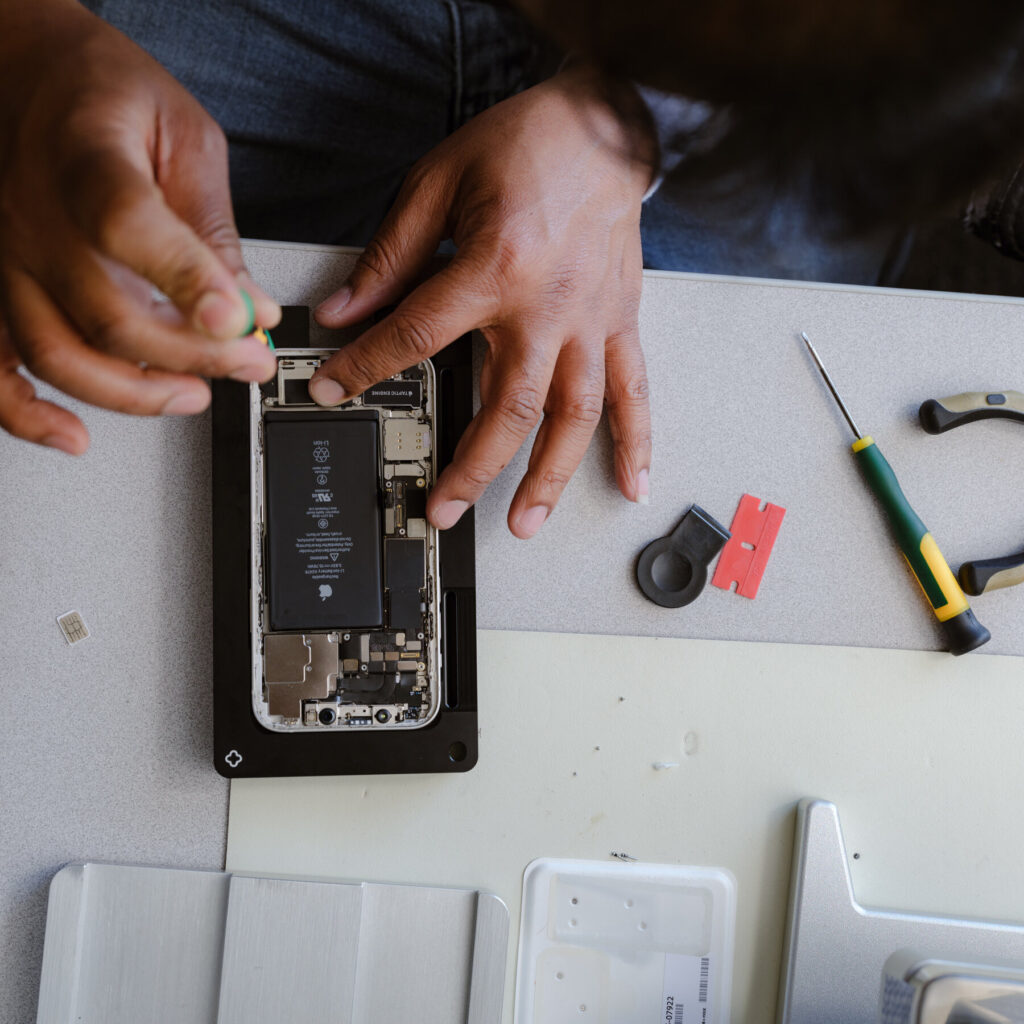
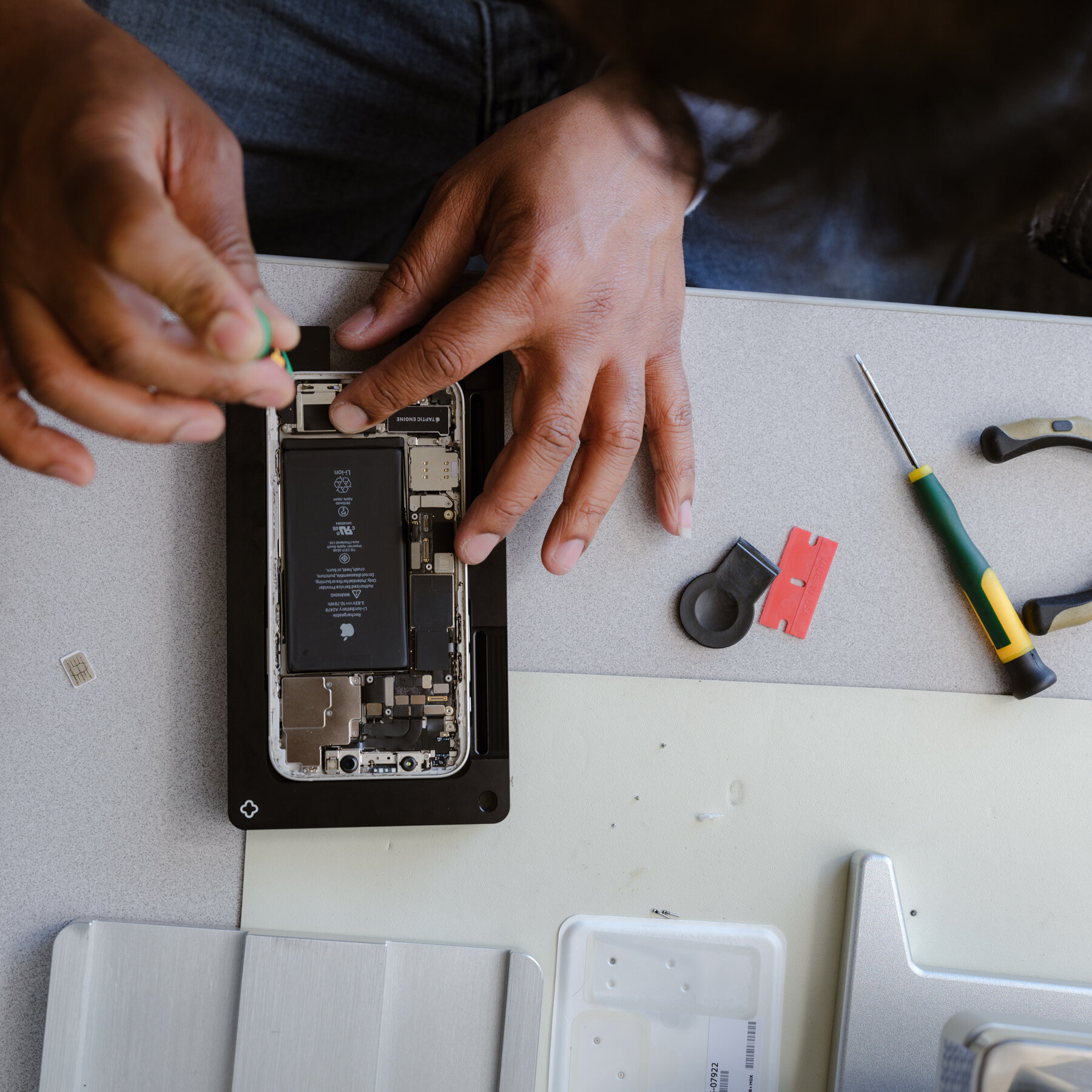
Disassembly: We open the phone and remove the logic board.
-
Inspection: We examine the board under a microscope to locate corrosion points.
-
Ultrasonic Bath: We place the logic board in a specialized machine filled with a chemical solution. The machine uses high-frequency sound waves to create microscopic bubbles. These bubbles implode on the surface of the board, blasting away corrosion and displacing water from underneath the chips.
-
Alcohol Bath: We displace the chemical solution with 99% Isopropyl Alcohol, which evaporates instantly, leaving the board bone dry and sterile.
This process is the only way to guarantee that the corrosion has stopped.
The Data Reality
If you have photos of your children or critical business documents that are not backed up, your priority is Data Recovery, not phone repair.
-
Tell the technician immediately: “I care about the data more than the device.”
-
In some cases, we can get the phone working just long enough to extract the data, even if the phone is too damaged to be used long-term.
Techfix: Your Honest Partner
We see water damage every day. We know the panic. But we also know the limits of technology.
At Techfix, we operate with brutal honesty.
-
The Assessment: If the corrosion has eaten through the layers of the PCB (the board itself), we will tell you it is unfixable. We won’t charge you for a repair that won’t last.
-
No Data, No Fee: For data recovery attempts, if we can’t save your files, you don’t pay.
-
Fair Pricing: We don’t exploit your emergency. Our cleaning and repair fees are fixed and transparent.
Conclusion
If your iPhone has taken a swim, you are in a race against time. The chemistry of corrosion waits for no one.
-
Turn it off.
-
Skip the rice.
-
Keep it away from heat.
-
Get it to a professional immediately.
The difference between a working phone and a paperweight is often just a matter of hours. Don’t gamble with home remedies.